When you start with Google Ads, you have two options: create your own account, or use an agency account that sits under the manager account (MCC) of a provider like AdsNest. This article explains the difference so you can choose the right one.
What is an MCC?
An MCC (manager account) is Google’s official tool that lets one provider manage many ad accounts in one place: reporting, campaign setup, billing and policy alerts.
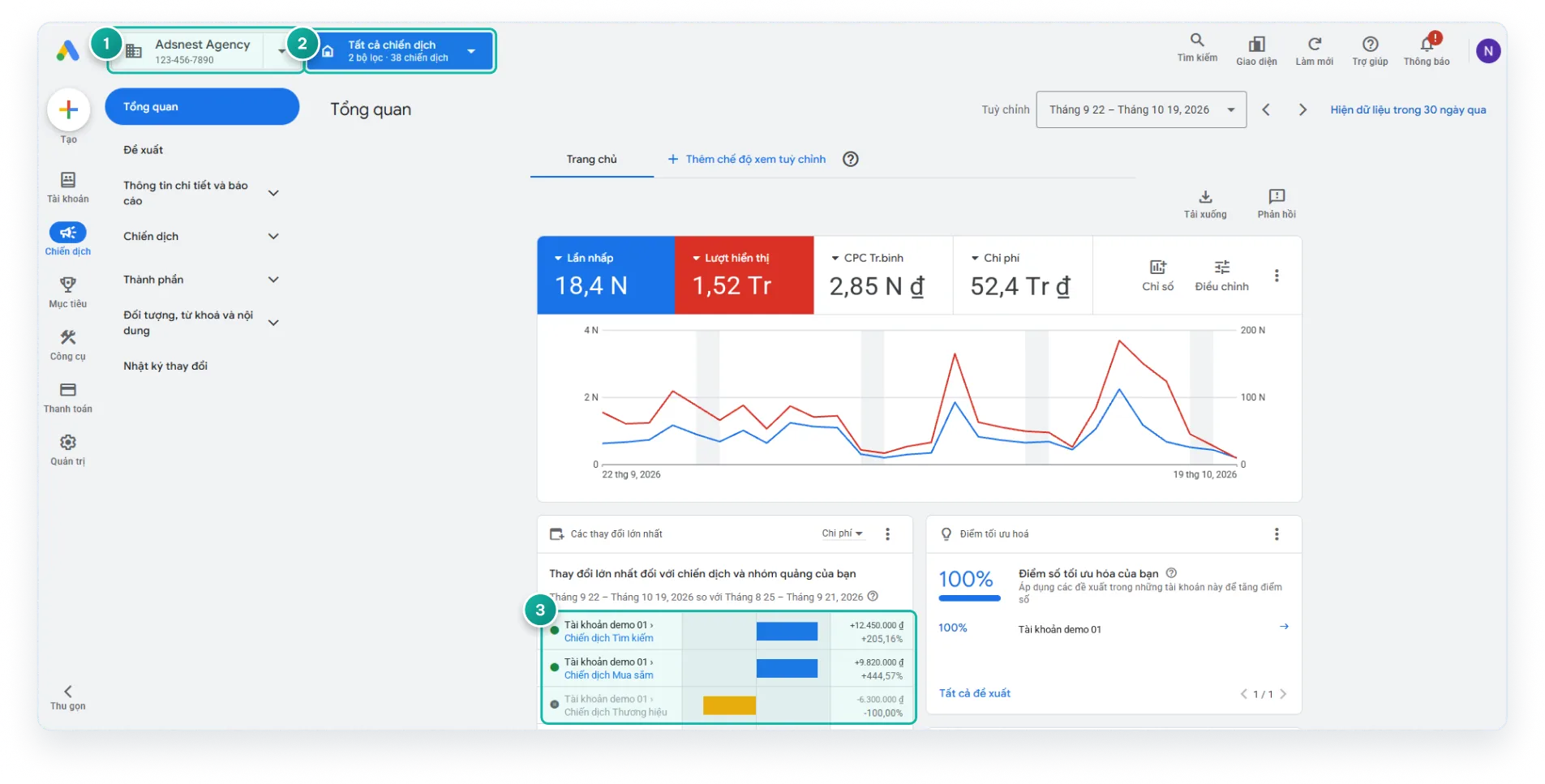
In the example (Vietnamese interface): (1) the manager account, (2) a filter across all campaigns, and (3) changes broken down by account and campaign, which makes unusual activity easier to spot.
Quick comparison
| Your own account | Agency account (via MCC) | |
|---|---|---|
| Setup | You do it yourself | Someone helps you |
| Policy review | You research it yourself | Reviewed before launch |
| When a warning appears | You handle it alone | Someone handles it with you |
| VAT invoice (Vietnamese clients) | Depends on payment method | Available through a partner company |
| Access to data | Full access | You still get access to your data |
When should you choose an agency account?
- You’re new to Google Ads and not yet familiar with the policies.
- You need a VAT invoice for ad spend (Vietnamese businesses).
- You want someone watching for warnings and helping when something goes wrong.
Worth knowing
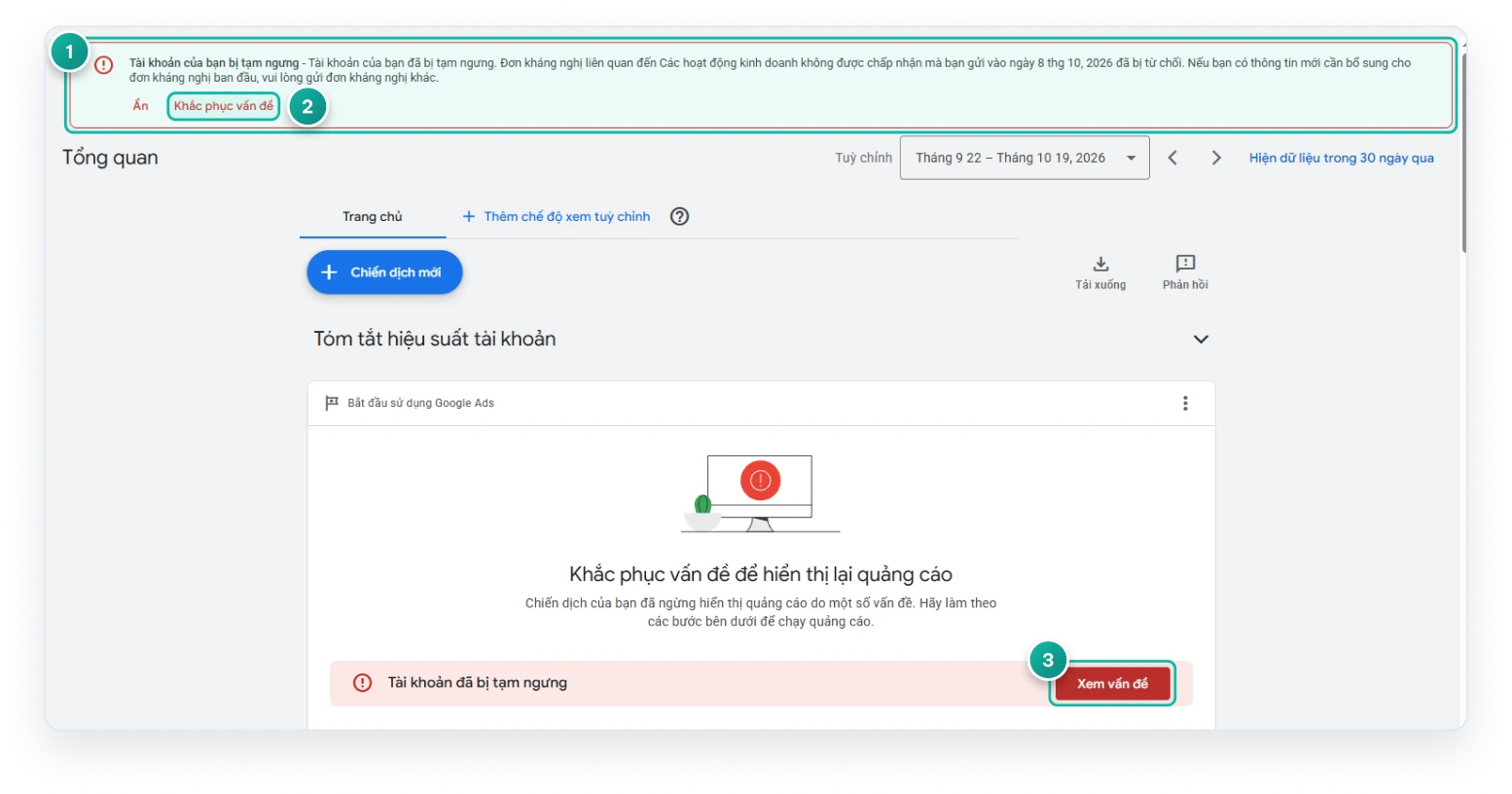
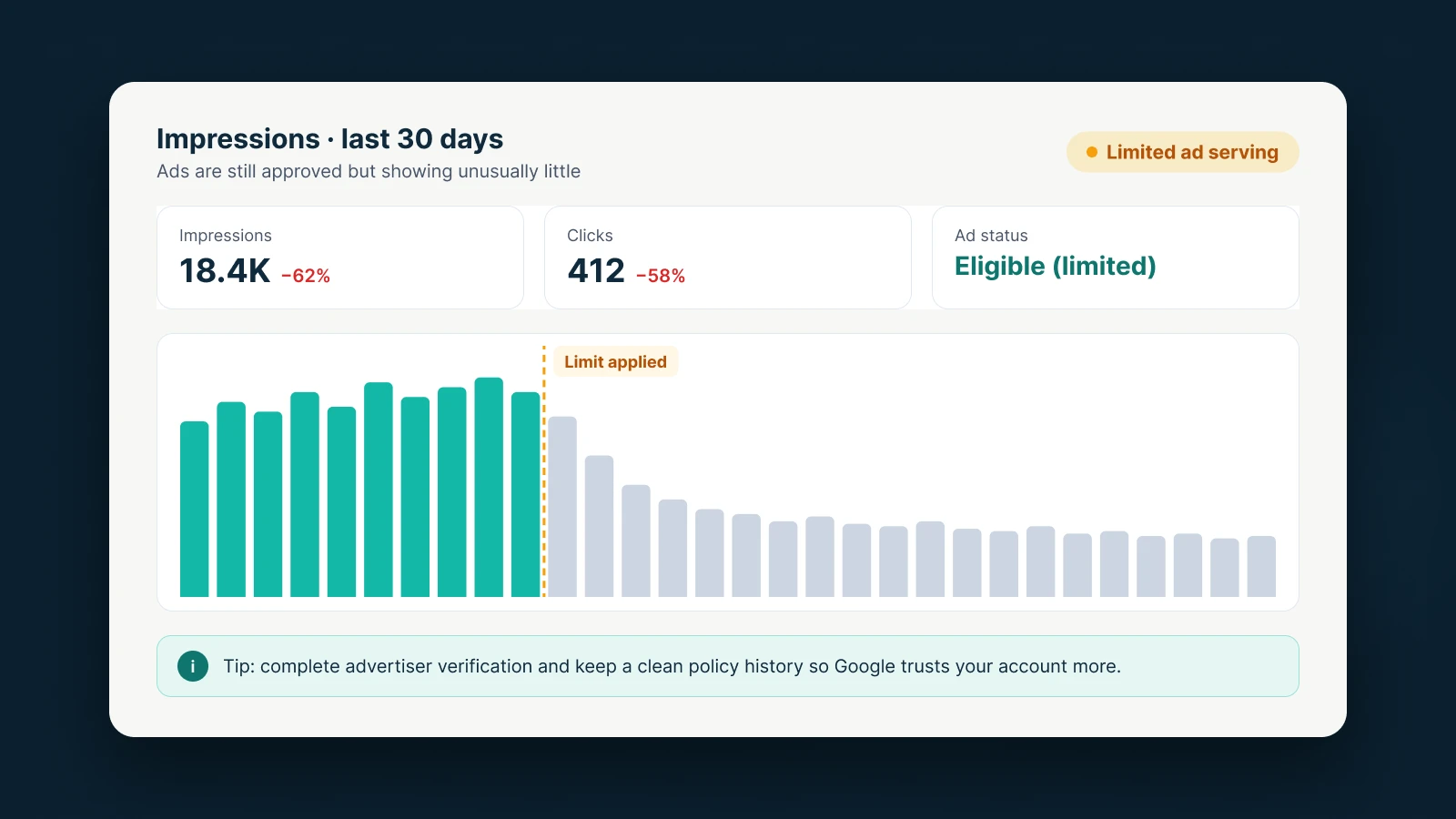
An agency account is not an “account that never gets suspended”. Every account must follow Google Ads policies, and your website and ad content are still what matter most. An agency account gives you someone to review your setup and stand by you. It reduces real risk instead of making promises.
Sources
AdsNest Editorial. Our articles are based on official Google Ads documentation and reviewed regularly. See our Editorial policy.


 Message on Telegram
 Message on WhatsApp